hover to play
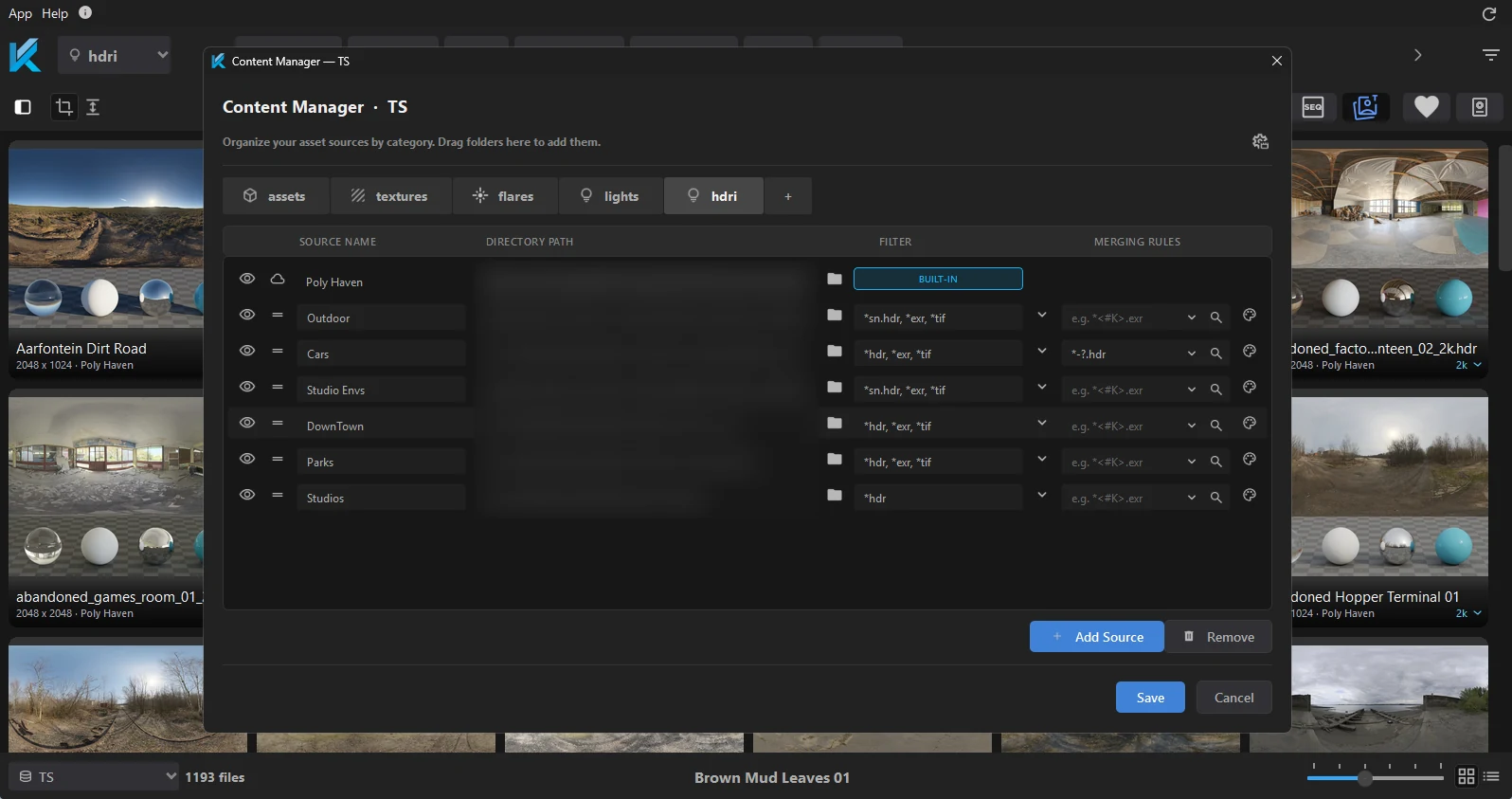
Add any folder
Drop a folder in and it is ready to browse. Several sources per category, each with its own filter.
"A must-have tool for CG artists" — verified Gumroad reviews
Lives inside
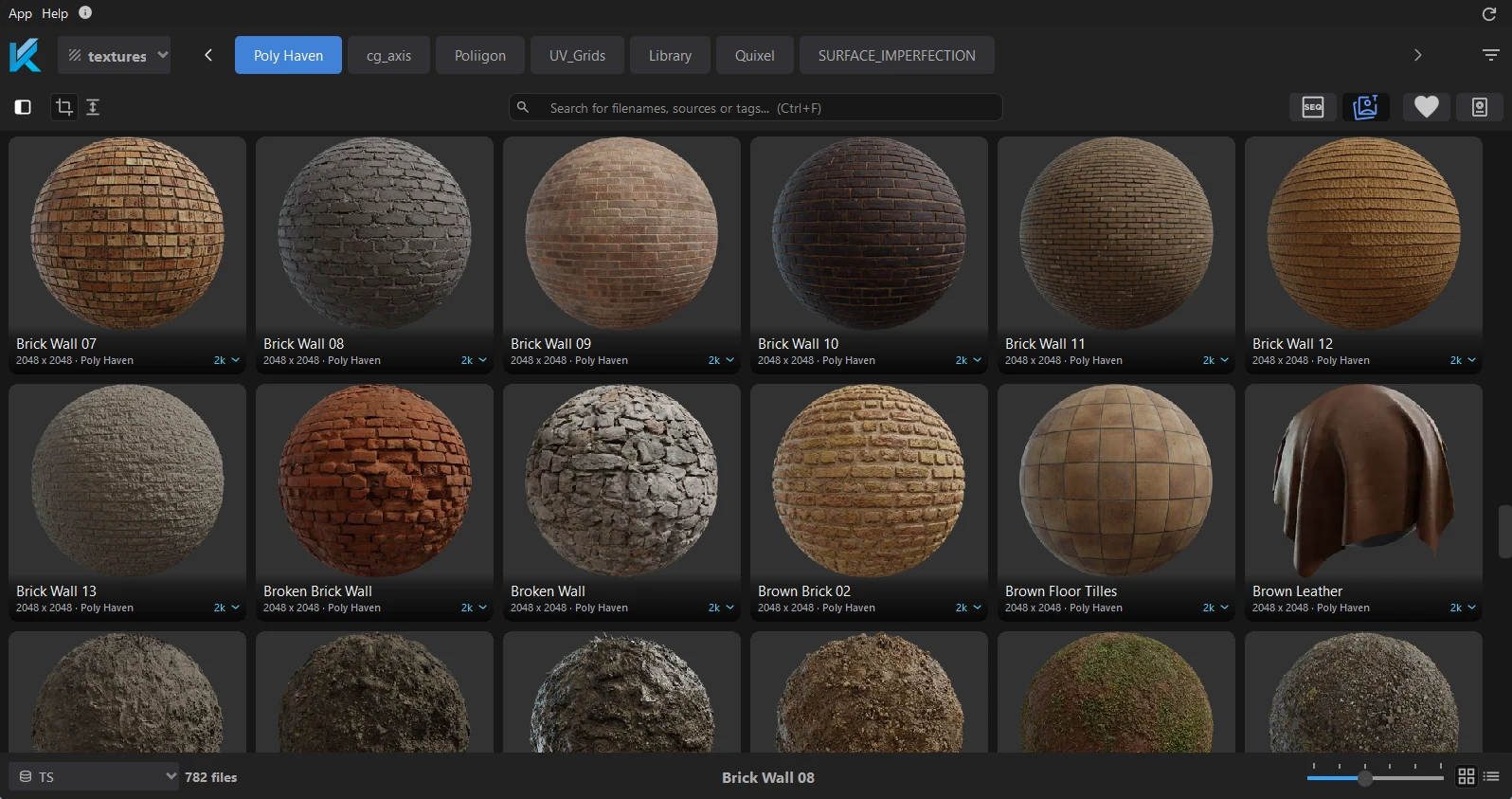
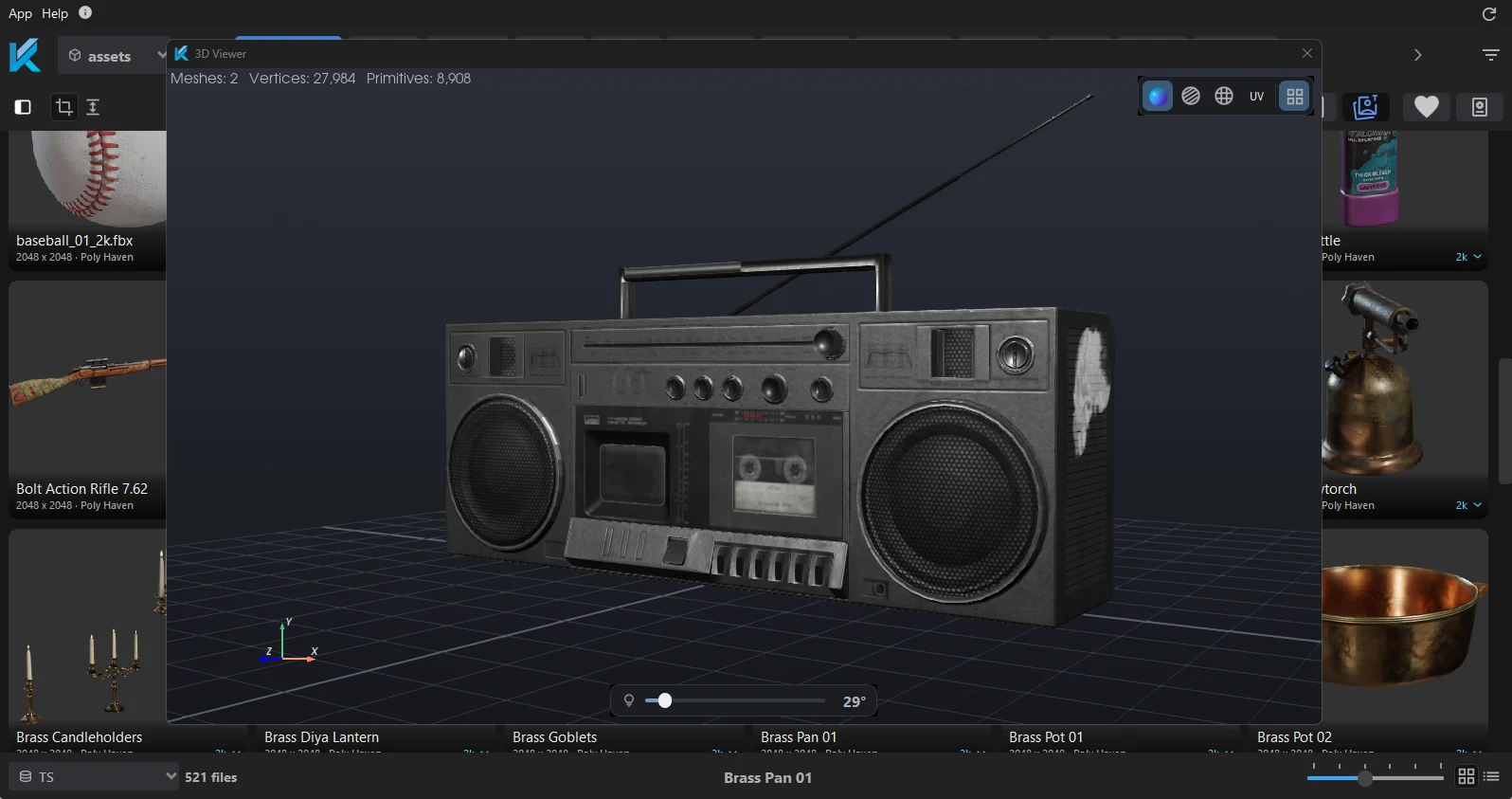

Pick a category and a source. Every file in it has a thumbnail.
// integrations — five, not four
Pick your software. Browse your library and Poly Haven, then send any asset into the live scene — without leaving your workspace.
 Kiosk for Houdini
 A Kiosk shelf, and a Tab-menu entry in any network editor. Materials are built for whichever renderer the source is set to.
 Kiosk for Blender
 Kiosk lives in Blender's N-panel. One click drops the asset into your scene with a complete Principled BSDF node tree already wired.
 Kiosk for Maya
 A Kiosk shelf button opens your library. Pick your renderer once and every export builds that renderer's own material network.
 Kiosk for Cinema 4D
 Launch Kiosk from the Extensions menu. Texture sets arrive as native Redshift or Octane materials, ready to render.
 Kiosk for Unreal Engine
 A Kiosk menu in the editor’s main menu bar opens your library. Texture sets import as Material Instances built off the shipped OpenPBR masters, and HDRIs land as an HDRI Backdrop.
// exporter — new in 2.1.0, beta
Finish something worth keeping, and it is one dialog away from being catalogued — textures packaged, thumbnail rendered, indexed on the spot.
// features
What Kiosk is doing while you get on with the job.
Drop a folder in and it is ready to browse. Several sources per category, each with its own filter.
Click an asset to send it into your open scene, with the material already built for your renderer.
Models, textures, HDRIs, .blend, .c4d and .max files all get a real preview — rendered, or read from the file itself.
Loose maps are recognised as one texture set and mapped channel by channel, whatever your naming convention.
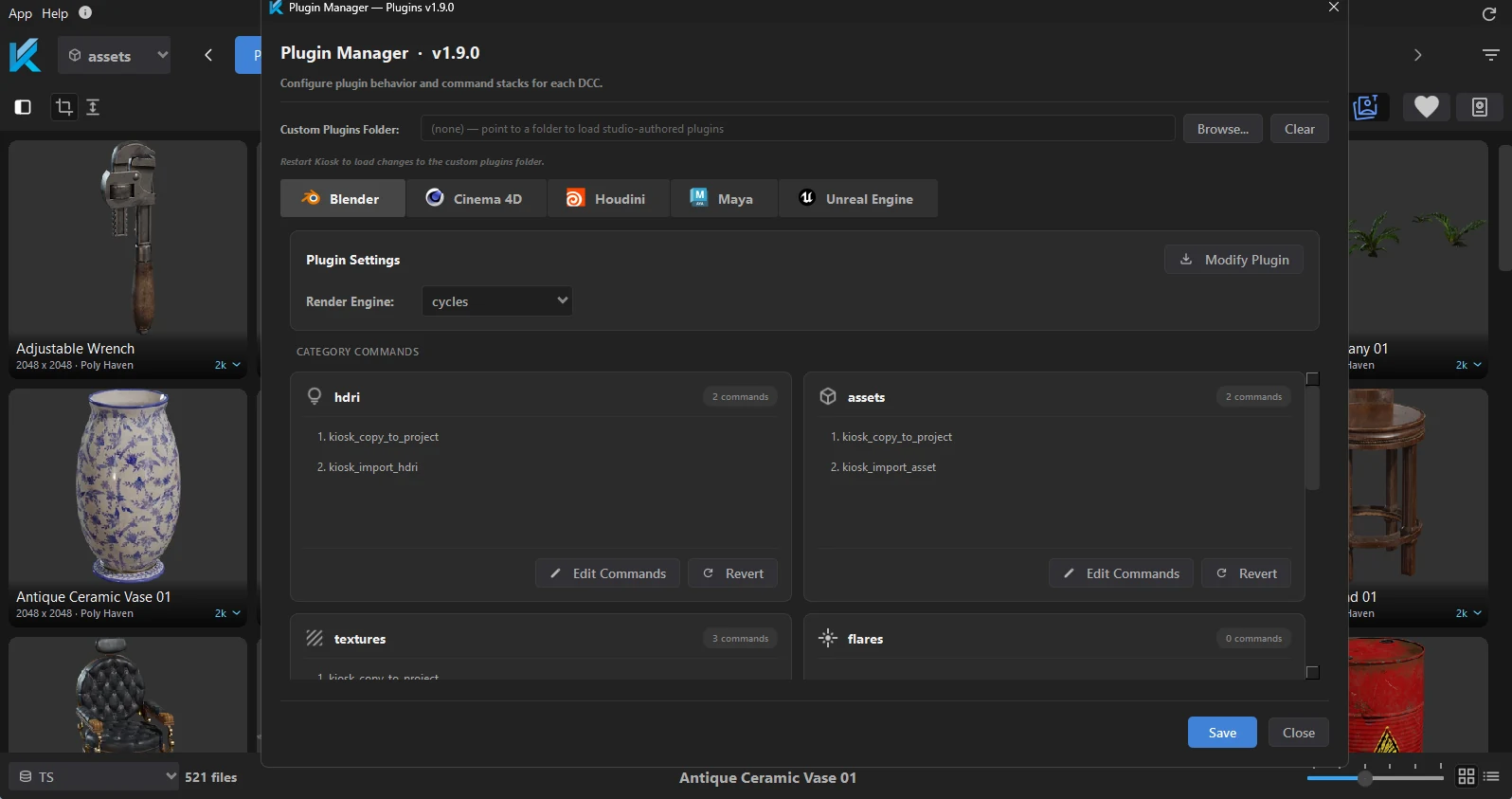
Chain actions per category and per DCC — import, build a material, set up lighting — into a single click.
3,000+ free CC0 HDRIs, textures and models, browsed and downloaded inside Kiosk, straight into your library.
// pipeline — nothing leaves your disk
Kiosk indexes your folders, builds previews, detects PBR maps, and wires the material for whichever renderer is waiting on the other end. Live session mode keeps everything connected.
// reviews — verified gumroad purchases
Real reviews from Gumroad customers.
"Man how do people even browse their texture libraries without Kiosk? lol I feel so lost when I'm on a PC without it, definitely a must have tool for cg artists"
"I have been meaning to purchase this for a while, and now I'm kicking myself I didn't do it early. It is so easy to use, stable as anything, and absolutely perfect for anyone with a load of models, kit bash kits, hdris or textures all in folders. Worth every penny."
"Nice tool! Does accelerate my workflow :)"
// extensions — pro & studio
Pro add-ons hook straight into Kiosk's own menus — no separate programs. Install them on demand from the Extension Manager.
Start free — no account, no credit card, no subscription. Upgrade to Pro whenever you're ready.
windows 10 / 11 · 225 MB · no subscription
 Join the Discord community